
Television
Overview
Relax and enjoy your favorite shows and movies on the 75″ Roku Smart TV located in the main living area.
Getting Started
Use the Roku remote control to turn the TV on and off.
When the TV turns on, you’ll see a welcome screen prompting you to enter your checkout date. Select your checkout date to continue to the Roku home screen.
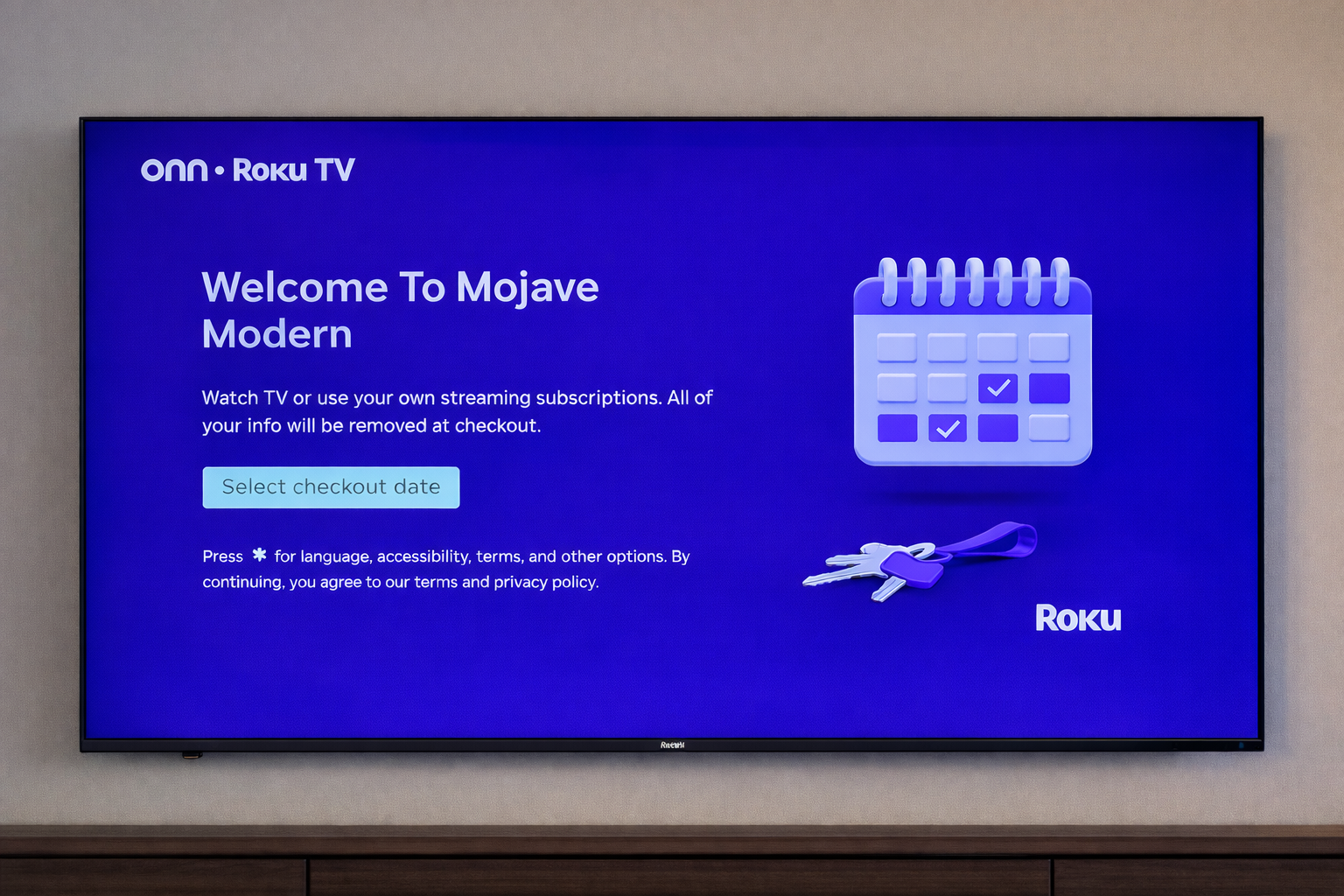
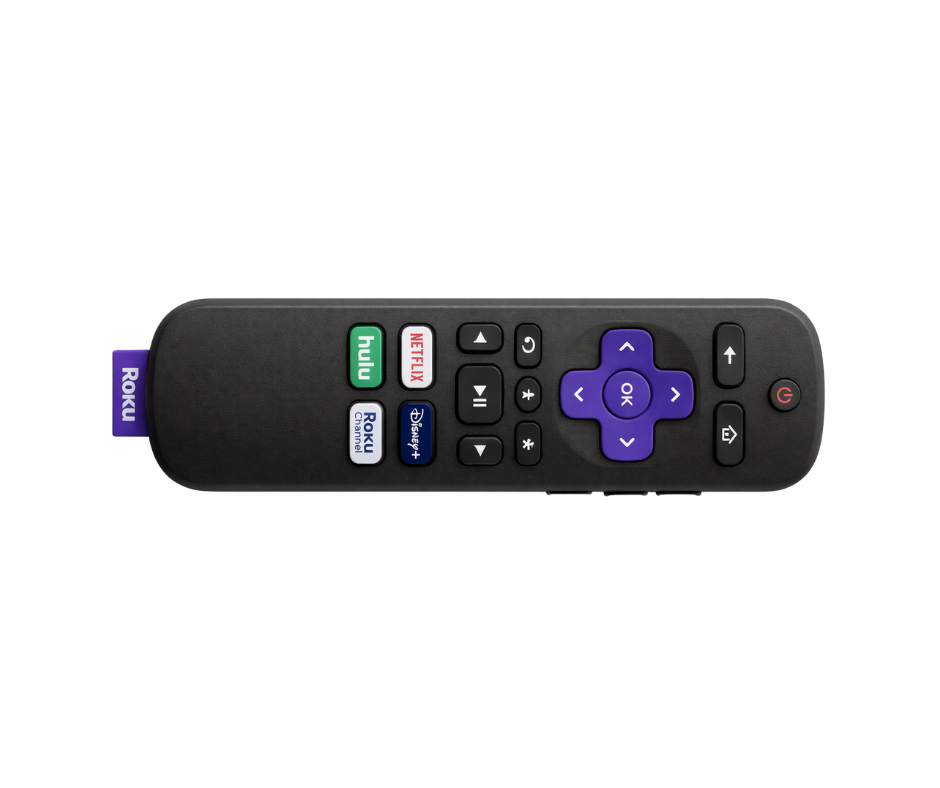
*These images show the Roku remote and the initial screen you’ll see when the TV turns on.Watching TV
From the Roku home screen, you can:
Access popular streaming apps
Use your own streaming accounts
Browse channels using the remote
Use the arrow buttons on the remote to navigate and press OK to select.
Audio & Sound
The TV audio plays through the Sonos sound system.
If you do not hear sound:
The audio source may be set to music from a previous use
Open the Sonos app and switch the audio source in the living room to TV
Once switched, TV audio should play normally through the speakers.
Important Notes
Please do not touch or adjust any wires or cables behind the TV
All connections are pre-set for optimal performance
Moving cables may disable sound or video
Helpful Tips
Use the Home button on the remote to return to the main menu
If the screen appears blank, press Home once to reset the display
Volume is synced through the Sonos amp and controlled via the Roku remote or Sonos App
Need Help?
If you experience any issues with the TV or sound, please message us anytime and we’ll be happy to help.