
Wi-Fi Access
Overview
Stay connected throughout your visit with fast, reliable Wi-Fi available across the property.
Network Details
Network Name
Mojave Modern Guest
Password
*************
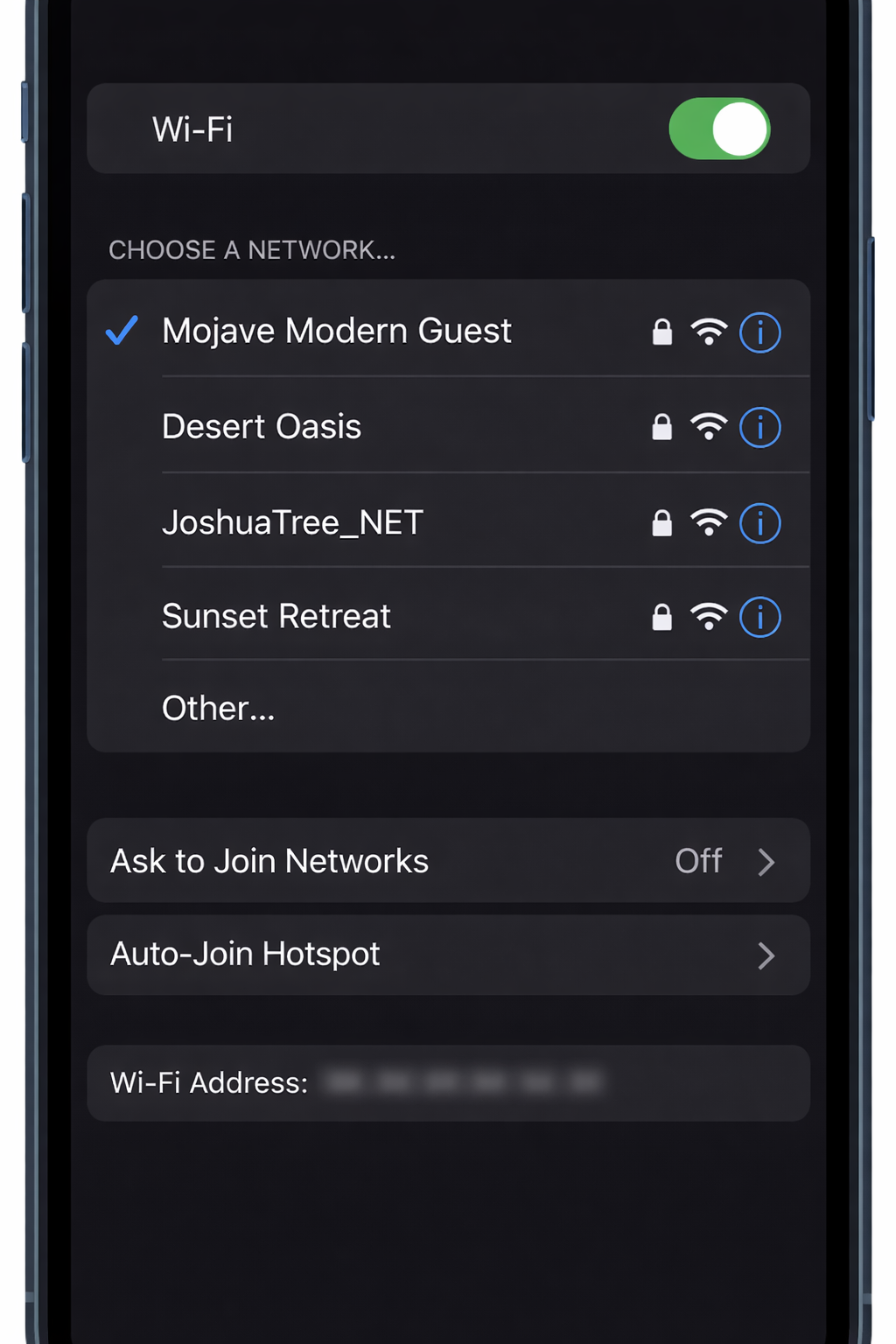
This image helps confirm you are selecting the correct network on your device.How to Connect
Open Wi-Fi settings on your device
Select Mojave Modern Guest
Enter the network password provided with your check-in details
You’re connected
Helpful Tips
Wi-Fi is available throughout the home and outdoor living areas
If your connection drops, turning Wi-Fi off and back on usually resolves it
For best performance, remain near the main living areas
Need Help?
If you experience any issues connecting, please message us, and we’ll be happy to help.